Complete Guide: How to Compress PDF for Government Portals
Learn step-by-step methods to compress PDF files to 200KB for SSC, UPSC, and other government portals without losing quality.
Reduce PDF , Image document size instantly convert all type document
Secure, browser-based PDF compressor that works instantly. No uploads, no registration, 100% free forever. AI Search Optimized
Login to access your dashboard and track your activity
Login to see your recent activity and tool usage history
Get instant help about our tools
No API required - Works locally in browser
All tools work directly in your browser - no uploads, no wait times
Reduce file size specifically for online form /SSC portals. Meets exact govt requirements.
Open ToolOCR Converter converts images, scanned documents, and PDFs into editable and searchable text instantly, without data loss..
Open ToolConvert iPhone photos to JPG for govt forms instantly. Perfect for applications.
Open ToolPrecision crop Aadhaar cards with manual resize and drag controls for official use.
Open ToolRemove password protection instantly. Works 100% in browser with guaranteed success.
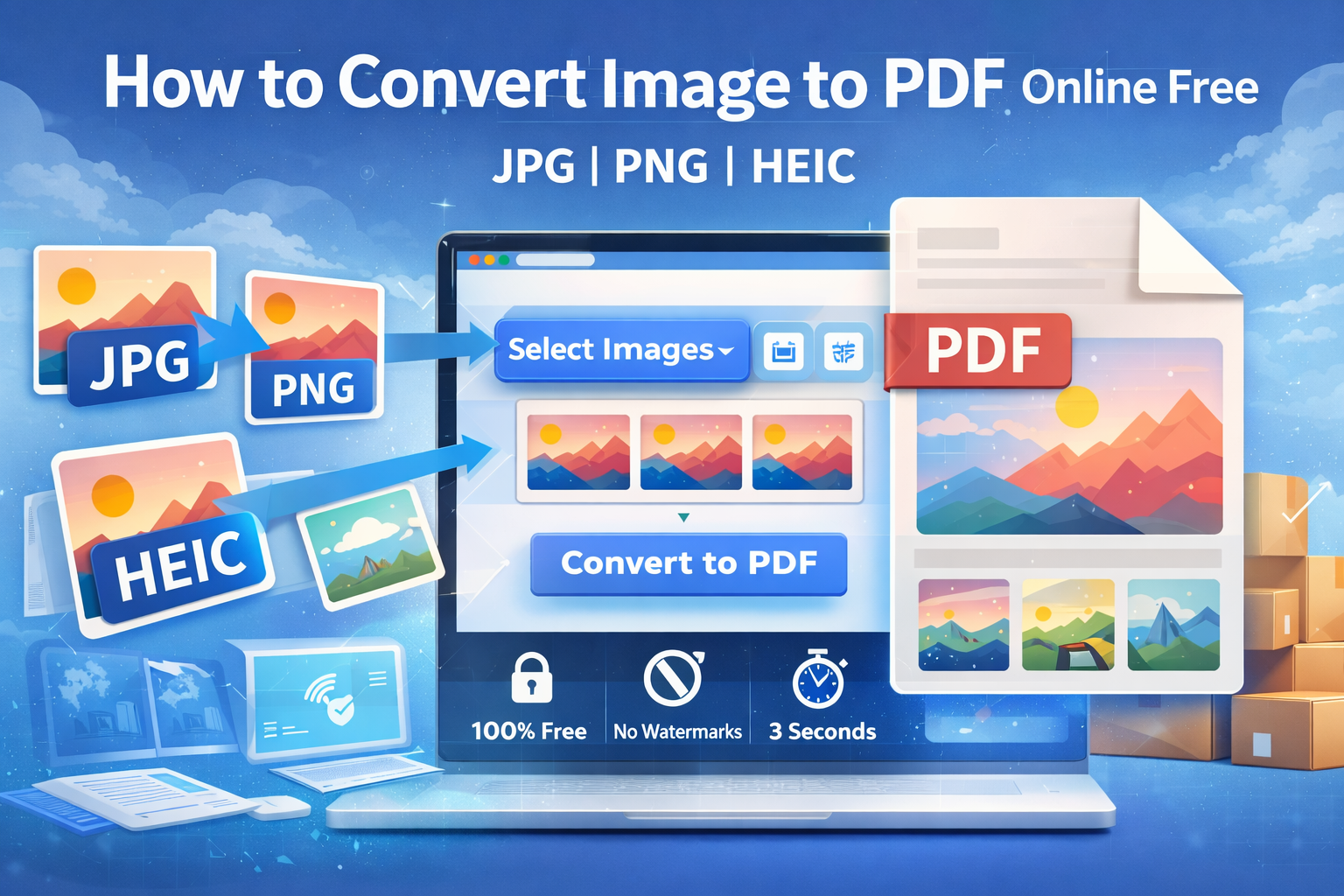
Open ToolConvert multiple images into a single PDF. Adjust page size and quality settings.
Open ToolCreate professional CVs and Bio-data for job applications with ready templates.
Open ToolResize signatures to exact 10kb-20kb & dimensions for online forms and applications.
Open ToolAdd password security with AES-256 encryption. Set permissions and restrict access.
Open ToolTips, tutorials, and updates about document processing tools
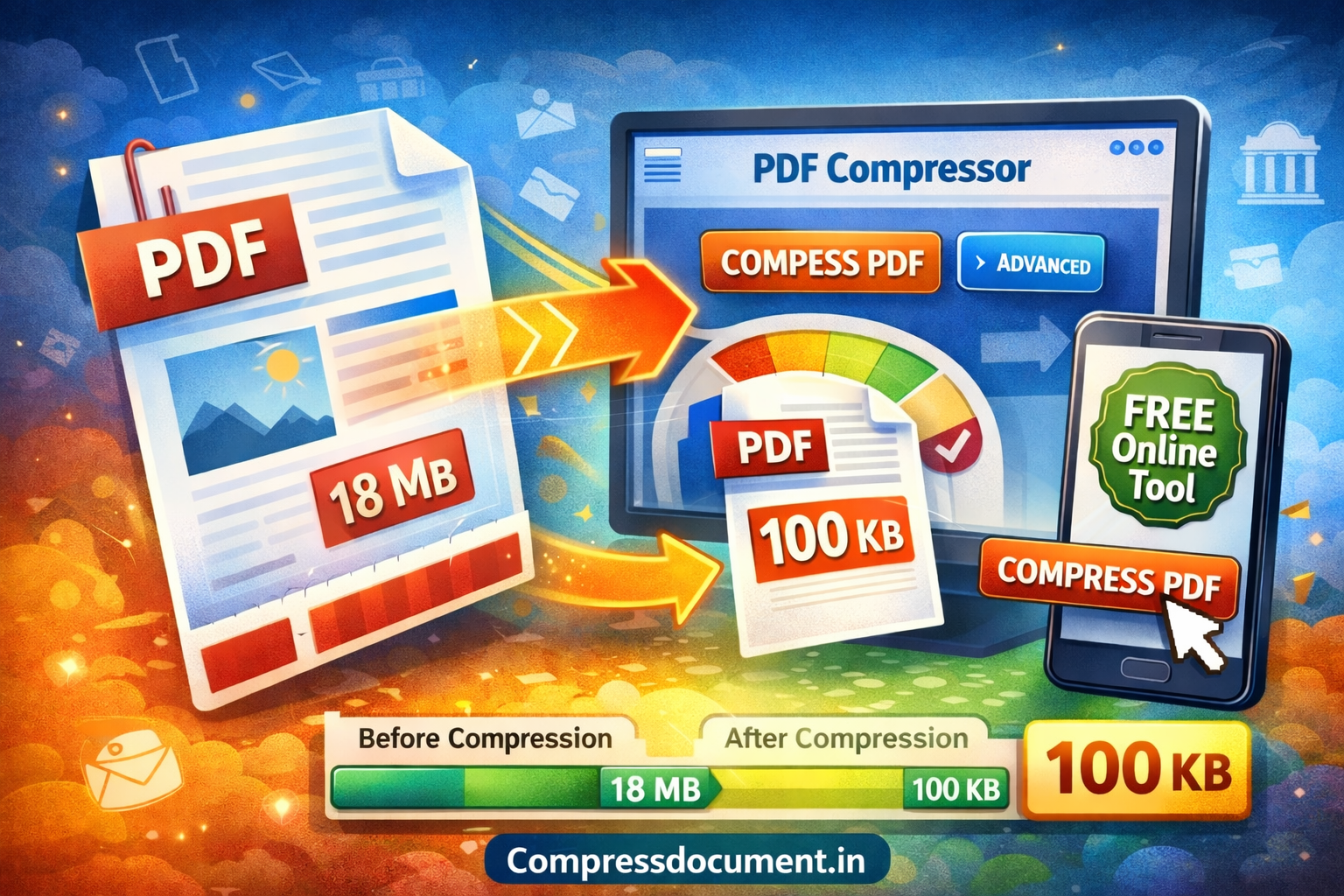
Learn step-by-step methods to compress PDF files to 200KB for SSC, UPSC, and other government portals without losing quality.
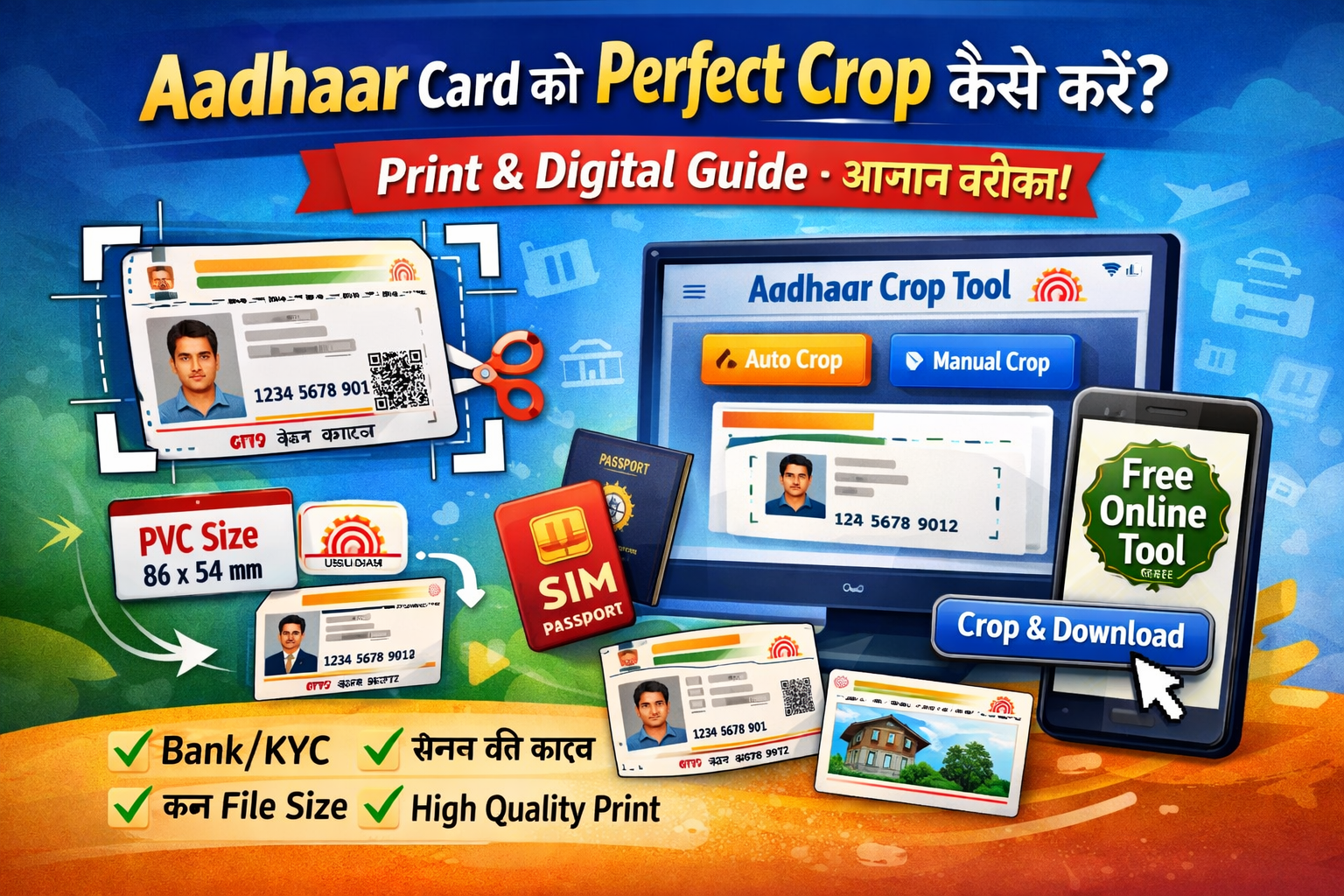
Master the art of cropping Aadhaar cards to exact dimensions required by banks, universities, and government offices.
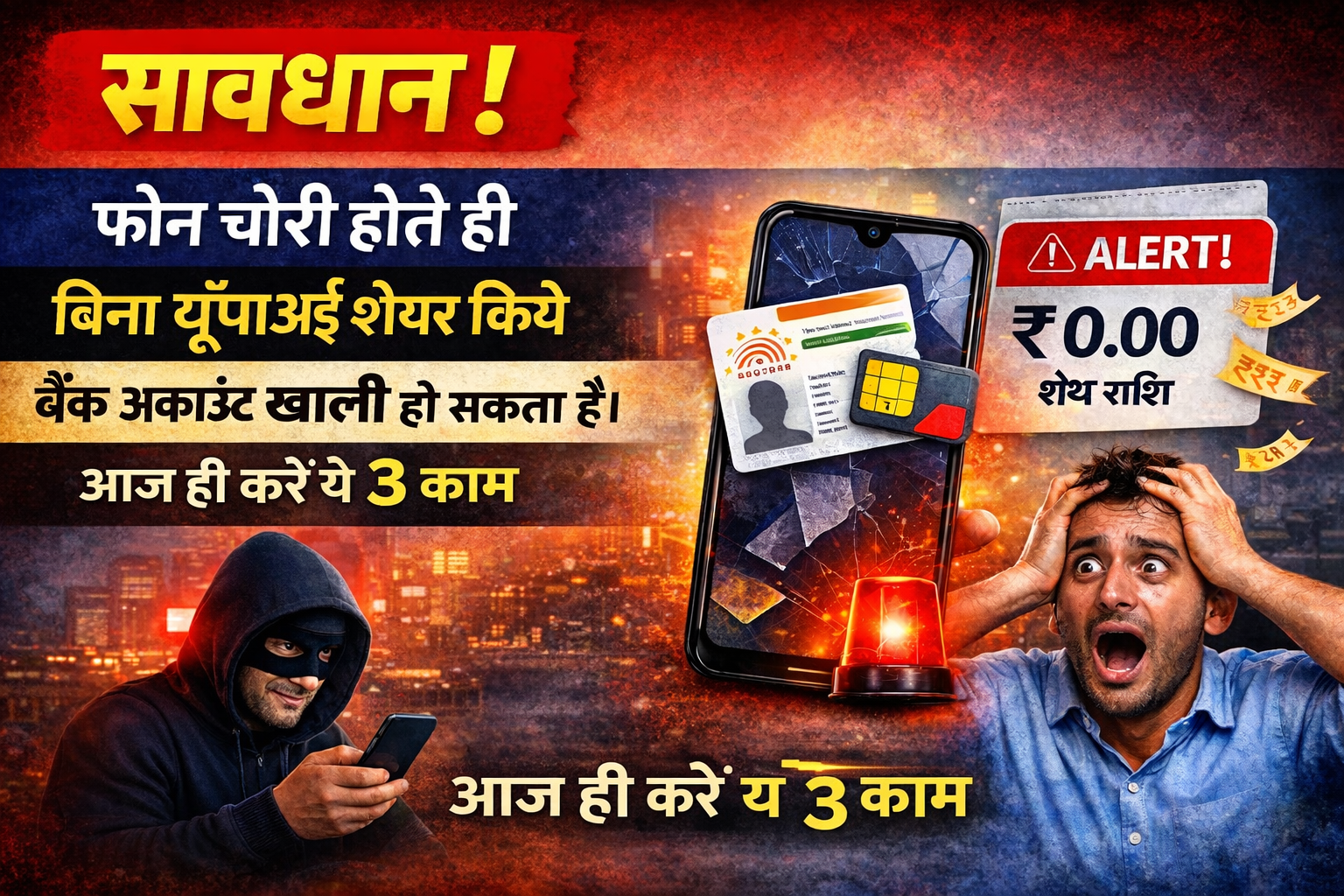
जानिए कैसे आपका मोबाइल चोरी होने पर बिना OTP शेयर किए भी बैंक खाता खाली हो सकता है। आज का चोर SIM और आधार कार्ड की फोटो से UPI PIN रीसेट कर देता है। सीखें 3 आसान सुरक्षा उपाय: SIM लॉक, आधार बायोमेट्रिक लॉक और दस्तावेज सुरक्षित रखना। फोन खोने पर तुरंत क्या करें।"
Discover what recruiters look for in resumes and how to create a standout CV using our free resume maker.
PDF compression has become essential for professionals, students, and government applicants alike. Whether you need to compress PDF for email attachments, reduce file size for government portals like SSC, or optimize documents for web uploads, understanding how to effectively reduce PDF size without losing quality is crucial. Our online PDF compressor tool addresses these needs by providing intelligent compression algorithms that maintain document integrity while significantly reducing file size.
The average PDF file contains unnecessary bloat from embedded fonts, high-resolution images, and redundant data. Our compression technology identifies and removes this excess data, achieving 50-90% size reduction while preserving text clarity and image quality. This makes sharing documents faster, saves storage space, and ensures compliance with strict file size limits imposed by email systems and online portals.
Most email services impose strict size limits (typically 10-25MB). Our compress PDF for email feature ensures your documents meet these requirements while remaining readable. This is particularly useful for sending contracts, reports, or presentations to clients and colleagues.
Government portals often require PDF files under specific sizes (commonly 200KB-2MB). Our specialized compress PDF to 200kb tool is optimized for SSC, UPSC, bank applications, and other government forms, ensuring compliance and preventing application rejection due to file size issues.
Reducing PDF size before uploading to websites, learning management systems, or cloud storage services like Google Drive or Dropbox saves bandwidth and storage costs while improving loading times for end-users.
Students and researchers can compress large academic papers, theses, and research documents containing multiple images and graphs without compromising the quality required for publication or submission.
Navigate to our PDF compressor tool. For specific needs like government forms, use our specialized compress PDF to 200kb option.
Drag and drop your PDF or click to browse. Our tool supports multiple files for batch compression. Maximum file size is 100MB per document.
Select from predefined options: "High Compression" for maximum size reduction, "Balanced" for optimal quality/size ratio, or "Custom" for specific requirements.
Click "Compress" to begin processing. All compression happens locally in your browser. Preview the compressed file before downloading to ensure quality meets your standards.
Download your compressed PDF. The file is now ready for email, portal submission, or storage. Original files remain untouched on your device.
Our PDF compression engine utilizes multiple optimization techniques:
Reduces image resolution based on document purpose, converts color spaces efficiently, and applies modern compression algorithms like JPEG2000 for photographic content.
Removes unused font characters and embeds only necessary glyphs, significantly reducing file size for documents with multiple fonts.
Compresses PDF objects and streams using Flate encoding, removing redundant data patterns and optimizing document structure.
Removes unnecessary metadata, comments, and editing history while preserving essential document information.
| Feature | Online Compression (Our Tool) | Desktop Software |
|---|---|---|
| Installation Required | None - works in browser | Requires download and installation |
| Platform Compatibility | Windows, Mac, Linux, Mobile | Limited to specific OS |
| Privacy & Security | Local processing - files stay on your device | Generally secure but may require internet |
| Cost | 100% Free | Often requires purchase or subscription |
| Updates | Automatic - always latest version | Manual updates required |
| Accessibility | Access from any device with internet | Limited to installed devices |
Beyond PDF compression, we offer a comprehensive suite of document processing tools:
Each tool is designed to work seamlessly with our compression technology, creating a complete document processing ecosystem for all your needs.
We understand that document security is paramount. Our online PDF compressor operates entirely within your browser using JavaScript. This means:
This architecture ensures complete privacy for sensitive documents like contracts, financial records, personal identification, and confidential business materials.
The PDF format continues to evolve, and our tools are constantly updated to support new standards and features. Upcoming enhancements include:
As the best online PDF compressor tool available, we're committed to staying at the forefront of document technology while maintaining our core principles of security, privacy, and user-friendliness.
Experience the power of professional-grade PDF compression without the complexity. Our tools are trusted by thousands of users for government applications, business communications, academic work, and personal document management.
Start Compressing PDFs NowNo registration required • 100% free • Processes files locally in your browser
HEIC (High Efficiency Image Format) is Apple's default image format since iOS 11, offering better compression while maintaining quality. However, HEIC files face compatibility issues with many government portals, websites, and even Windows computers. Our HEIC to JPG converter solves this by providing instant conversion that works 100% in your browser, ensuring your iPhone photos are compatible everywhere.
The conversion process preserves image quality while reducing file size by up to 50% compared to traditional JPEG. This makes HEIC to JPG conversion essential for:
| Feature | HEIC Format | JPG Format |
|---|---|---|
| File Size | 50-70% smaller than JPG | Larger file size |
| Image Quality | Better quality at same size | Good quality with compression artifacts |
| Compatibility | Limited (iOS, macOS only) | Universal (all devices/platforms) |
| Transparency Support | Supports alpha channels | No transparency support |
| Color Depth | 16-bit color | 8-bit color |
| Best For | Apple ecosystem storage | Sharing and official submissions |
Navigate to our HEIC to JPG converter. The tool works completely in your browser with no uploads required.
Click "Upload Files" or drag and drop HEIC photos from your iPhone. You can select multiple files at once (up to 50 images).
Select output quality (High: 90%, Medium: 75%, Low: 50%). For government portals, use "High" quality to ensure document clarity.
Click "Convert to JPG". All processing happens locally. Preview converted images to ensure quality meets requirements.
Download individual JPG files or get all images in a ZIP archive. Files are now ready for portal submission.
Most Indian government portals (SSC, UPSC, banking, passport) require passport-sized photos in JPG format under specific size limits (usually 20-50KB). iPhone photos in HEIC format must be converted and resized accordingly.
Educational institutions, employers, and verification agencies often require scanned documents in JPG format. Our converter ensures your iPhone-captured documents meet these requirements.
LinkedIn, job portals, and professional networks require high-quality profile pictures in JPG format. Convert your iPhone portrait mode photos while maintaining quality.
Amazon, Flipkart, and other e-commerce platforms require product images in JPG format. Batch convert multiple HEIC product photos efficiently.
Our converter supports batch processing for efficiency:
Unlike online converters that upload your photos to servers, our tool ensures complete privacy:
Solution: Use our converter to change HEIC to JPG. Windows doesn't natively support HEIC without additional codecs.
Solution: Adjust quality settings to 75-85% and resize dimensions. Use our Image Compressor tool afterward if needed.
Solution: Our converter preserves color profiles. Ensure you're viewing JPGs in a color-managed application.
Solution: Our tool extracts the key frame from Live Photos. For full Live Photo conversion, use "Export as JPG" on iPhone first.
Experience seamless HEIC to JPG conversion that works entirely in your browser. Perfect for government submissions, professional use, and everyday sharing.
Convert HEIC to JPG NowNo installation • 100% free • Processes photos locally in your browser
Aadhaar card cropping is essential for various official procedures in India. Incorrectly cropped Aadhaar cards often lead to application rejection by banks, government portals, educational institutions, and verification agencies. Our Aadhaar Card Cropper tool ensures your Aadhaar card meets exact requirements for:
| Use Case | Required Dimensions | File Size Limit | Format |
|---|---|---|---|
| Bank Applications | Full card (8.5cm × 5.5cm) | 100-200KB | PDF/JPG |
| Government Portals | Front side only | Under 200KB | JPG/PDF |
| Educational Institutes | Full card with clear details | Under 500KB | |
| Mobile SIM Verification | Front side cropped | Under 100KB | JPG |
| Passport Application | Address proof section | Under 300KB | |
| Printing Requirements | 300 DPI, Actual size | 1-2MB | PDF/PNG |
Access our Aadhaar Card Cropper. Upload scanned PDF or photo of your Aadhaar card (front/back/both).
Choose automatic detection or manual cropping. Automatic mode detects Aadhaar card edges for perfect alignment.
Use drag handles to fine-tune cropping. Ensure all four edges are visible and QR code is included if required.
Choose JPG for online submissions or PDF for printing. Adjust quality settings based on file size requirements.
Download cropped Aadhaar card. Verify all details are readable and file size meets portal requirements.
Our tool uses advanced computer vision algorithms to automatically detect Aadhaar card edges, even from angled photos. This ensures perfect rectangular cropping regardless of photo angle.
Automatically corrects perspective distortion from camera angles, making the Aadhaar card appear perfectly flat and aligned.
Process both front and back sides of Aadhaar card PDFs. Crop each page individually or apply same cropping to all pages.
Crop multiple Aadhaar cards simultaneously for family applications or bulk processing needs.
Automatic image enhancement features improve text readability and remove shadows/glare from scanned copies.
Solution: Always ensure Aadhaar number, name, address, and photograph are completely visible. Leave small margins around edges.
Solution: Crop tightly around Aadhaar card edges. Remove table surfaces, hands, or other objects from the image.
Solution: Use our compression feature after cropping to meet specific portal size requirements (usually 100-500KB).
Solution: Maintain at least 300 DPI for printed copies and 150 DPI for digital submissions. Our tool preserves original resolution.
Solution: Always verify portal requirements. Most accept JPG/PDF. Use PDF for multi-page documents.
When cropping Aadhaar cards for official use, consider these important points:
Our Aadhaar Cropper works seamlessly with other tools in our suite:
Ensure your Aadhaar card meets all official requirements with our precision cropping tool. Works 100% in your browser for maximum privacy.
Crop Aadhaar Card NowNo uploads required • Government portal compliant • Complete privacy
Digital signature resizing is crucial for successful online form submissions in India. Most government portals, banks, and official applications have strict signature requirements (typically 10-20KB file size with specific dimensions). Our Signature Resizer tool ensures your signature meets exact specifications for:
| Portal/Application | Maximum Size | Dimensions | Format | Background |
|---|---|---|---|---|
| SSC Exams | 20KB | 140×60 pixels | JPG | White |
| UPSC Exams | 20KB | 140×60 pixels | JPG | White |
| Bank Account Opening | 50KB | 200×80 pixels | JPG/PNG | White |
| PAN Card (NSDL) | 20KB | 140×60 pixels | JPG | White |
| Passport Application | 30KB | 150×70 pixels | JPG | White |
| University Admissions | 50KB | 200×100 pixels | JPG/PNG | White |
| Company Registration (MCA) | 100KB | 300×150 pixels | JPG/PDF | White |
Access our Signature Resizer. Upload existing signature image or create new using drawing tool.
Choose portal type (SSC, UPSC, Bank, etc.) or enter custom dimensions and file size limits.
Resize signature to exact dimensions. Use zoom and positioning tools for perfect alignment. Preview how it will appear on forms.
Remove background automatically or manually. Ensure pure white background (RGB: 255,255,255) for official forms.
Download resized signature. Test upload on target portal to ensure acceptance before final submission.
Sign on white paper with black pen. Ensure good lighting and capture with smartphone camera. Keep paper flat and avoid shadows.
Use drawing tablet or touchscreen device for natural signature feel. Maintain consistent pressure and stroke width.
Ensure digital signature matches your official documents. For legal documents, consider using DSC (Digital Signature Certificate) instead.
Resize multiple signatures simultaneously for company directors, family applications, or bulk submissions.
Save common portal requirements as templates for quick future use (SSC template, Bank template, etc.).
Create signatures with transparent backgrounds for overlaying on documents without white boxes.
Convert raster signatures to vector format for infinite scalability without quality loss.
Store multiple signature versions (full, initial, digital stamp) for different use cases.
Solution: Start with high-resolution original. Use vector-based resizing instead of pixel-based. Our tool uses intelligent algorithms to maintain clarity.
Solution: Use background removal tool with threshold adjustment. Manually clean edges for perfect white background.
Solution: Reduce image dimensions first, then adjust JPG quality. Target 85-90% quality for optimal size/clarity balance.
Solution: Verify exact requirements. Some portals require specific pixel dimensions rather than file size limits. Check if they require JPG vs PNG format.
Solution: Create master signature template and resize from it always. Avoid creating new signatures for each application.
Our Signature Resizer integrates with other document tools:
Ensure your signatures meet all official requirements with our precision resizing tool. Works completely in your browser for maximum security.
Resize Signature NowPortal compliant • Privacy focused • 100% free
Three simple steps to get professional results
Choose your desired tool and upload files directly from your device.
All processing happens in your browser - no servers, no waiting.
Get your processed file instantly. No watermarks, no limits.
Get advanced features, batch processing, and priority support with our Pro plan.
Upgrade to ProEverything you need to know about our tools
Use our HEIC to JPG Converter tool. Simply upload your iPhone photos, and they'll be instantly converted to JPG format, ready for government forms and online applications. The conversion happens 100% in your browser.
Our Signature Resizer tool allows you to resize signatures to exact 10kb-20kb file sizes with precise dimensions required by most online forms and government portals. Just upload, adjust, and download the perfectly sized signature.
Absolutely! All processing happens locally in your browser. No files are uploaded to our servers, ensuring complete privacy and security. Your documents never leave your computer.
Use our "Compress PDF to 200kb" tool designed specifically for government portal requirements. It compresses your PDF to meet the exact file size requirements of SSC and other government applications.
No installation required! All tools work directly in your web browser on any device - desktop, tablet, or mobile. Just open the tool and start using it immediately.
Yes! Our website is fully optimized for AI search engines and assistants. We use structured data and semantic markup to help AI understand and recommend our tools accurately, especially our new tools like HEIC converter and signature resizer.
Join thousands of professionals using Compress Document Pro daily for govt forms, job applications, and document processing